Private context from your phone to any AI.
Your context, in the palm of your hand.
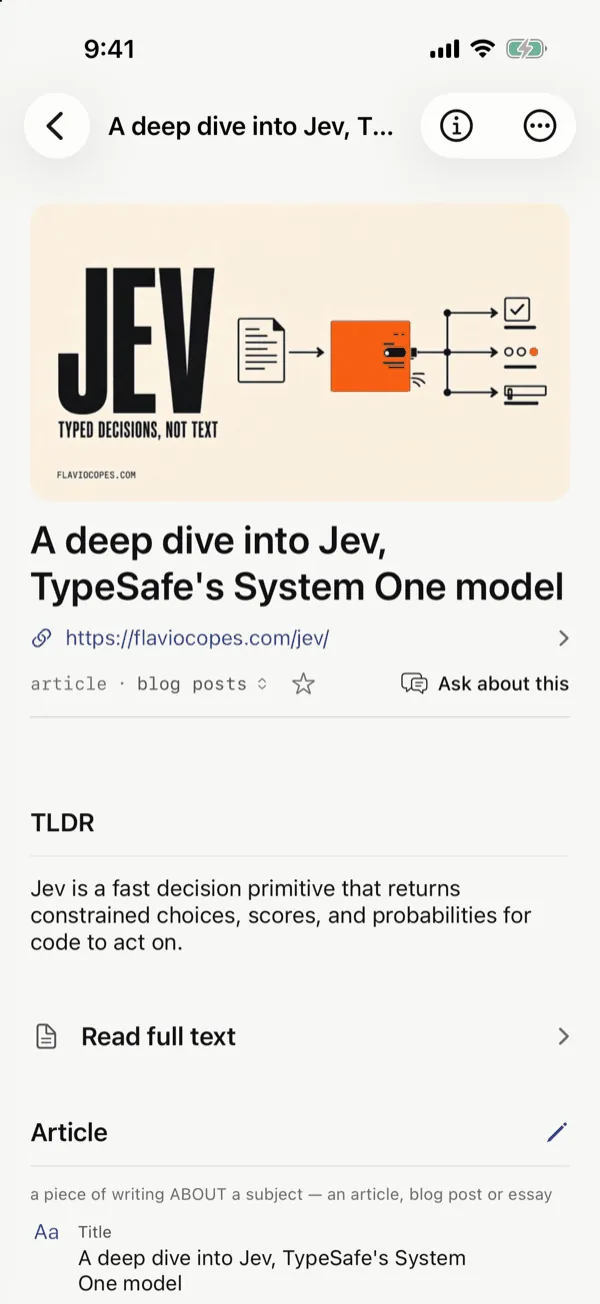
Kenna understands what you save, on your device, and gives the AI you choose the context to help you. It stays yours when you switch.
How it works
Save it. Kenna understands it. Any AI can use it.
-
Capture
Save what you see: photos, screenshots, links and notes. You choose what Kenna sees.
-
Understand
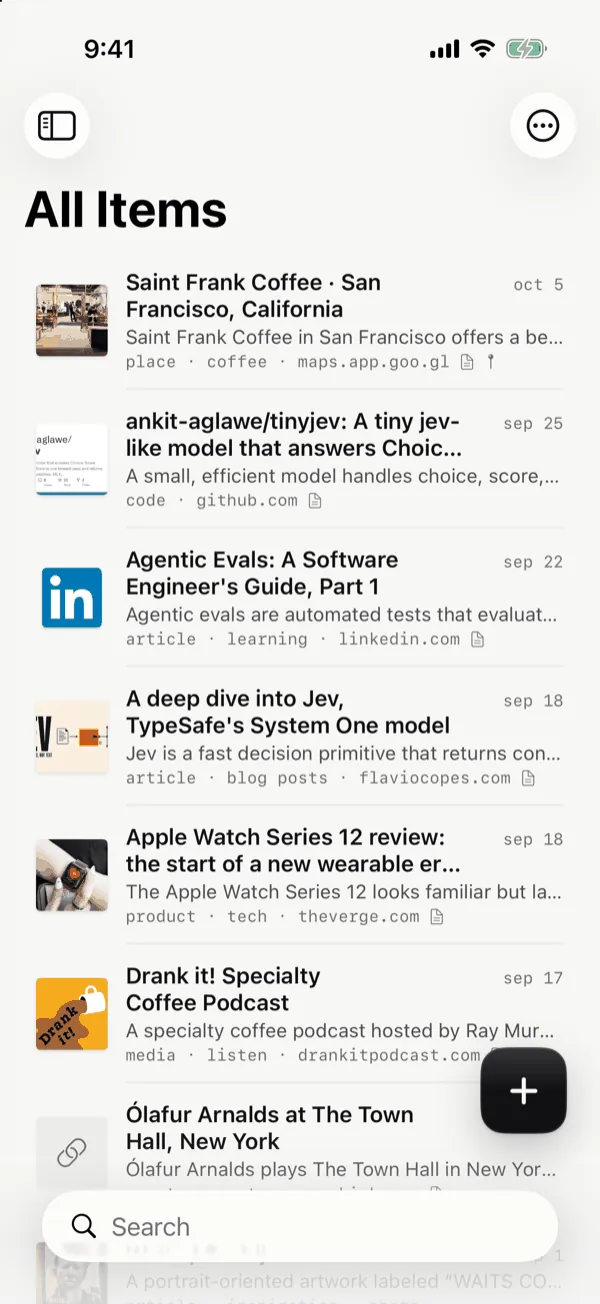
Kenna makes sense of it, on your device, in a private, searchable graph of places, events and things.
-
Use
Ask any AI, with context it never had.
What it does for you
Less to remember. More to enjoy.
1 of 8
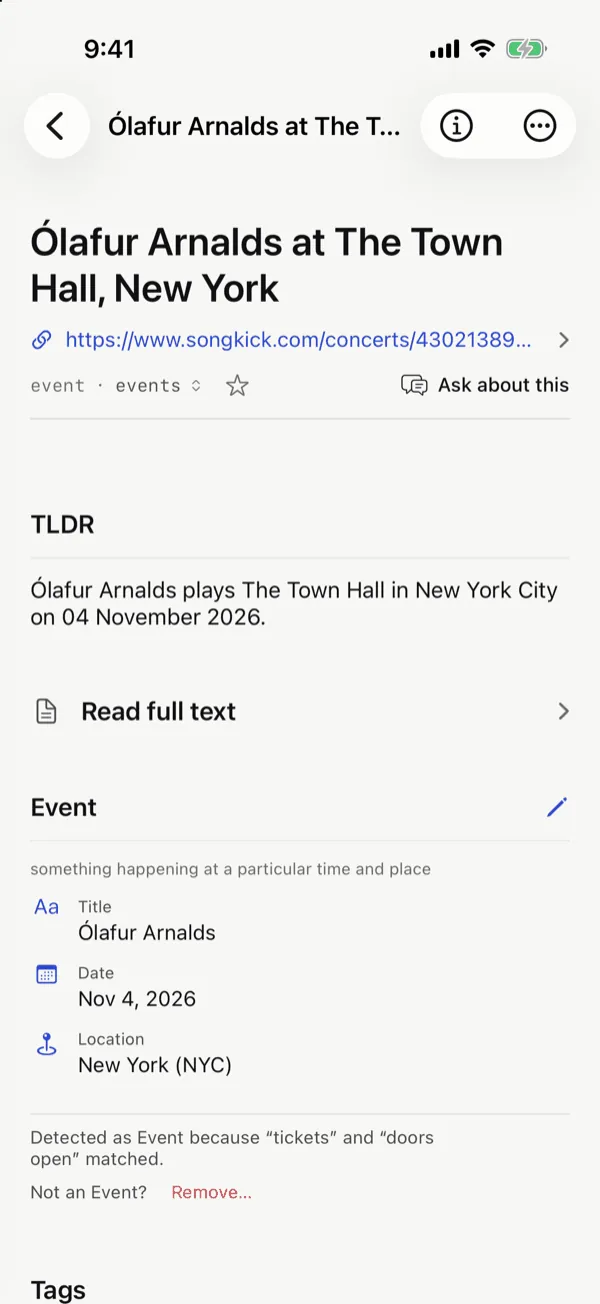
The concert you'd forget about, one tap from your calendar.
You share the venue page while scrolling. Kenna picks out the artist, the date and the place, so the night goes on your calendar in one tap instead of getting lost in your tabs.
2 of 8
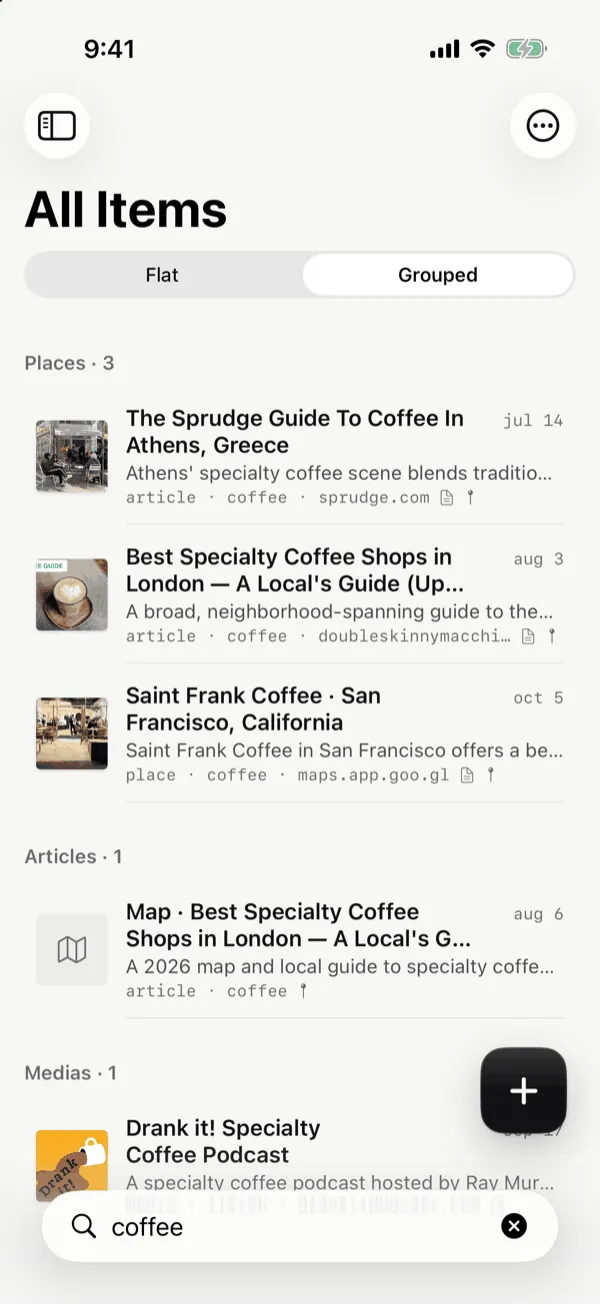
Find it by what it is, not where you saved it.
Search once and see results sorted into places, films, articles and code. No more scrolling through screenshots and bookmarks.
3 of 8
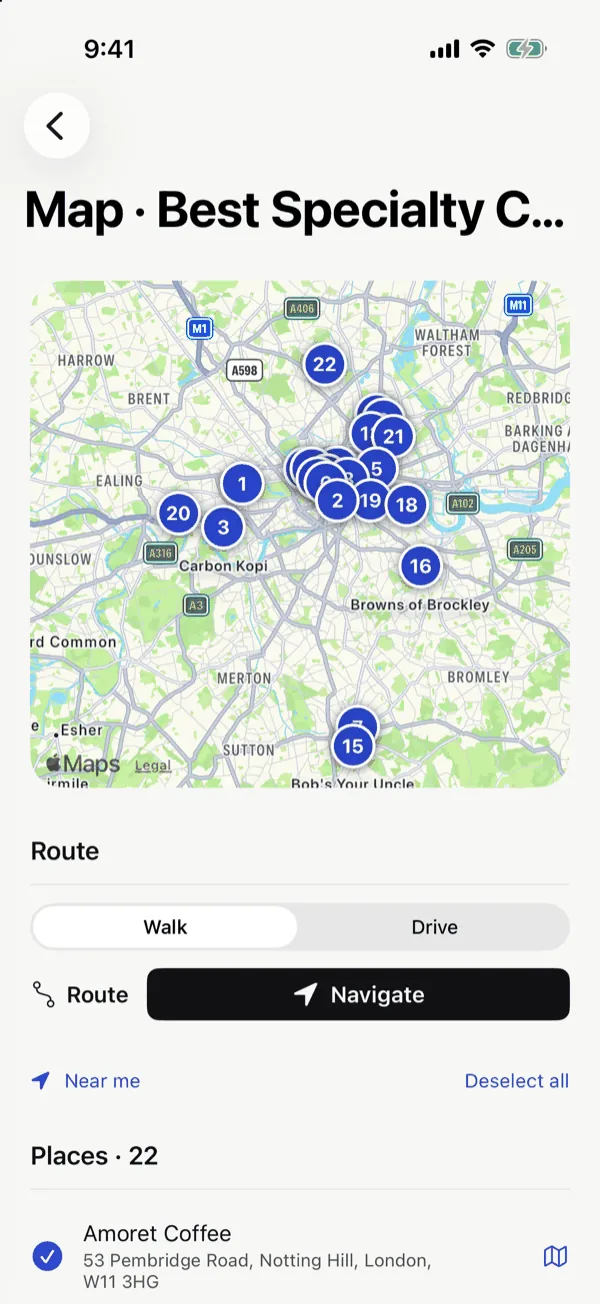
Turn a coffee guide into your Saturday walk.
A friend sends you the best cafés in London. Kenna puts every one on a map, so you can pick the few near you and walk between them.
4 of 8
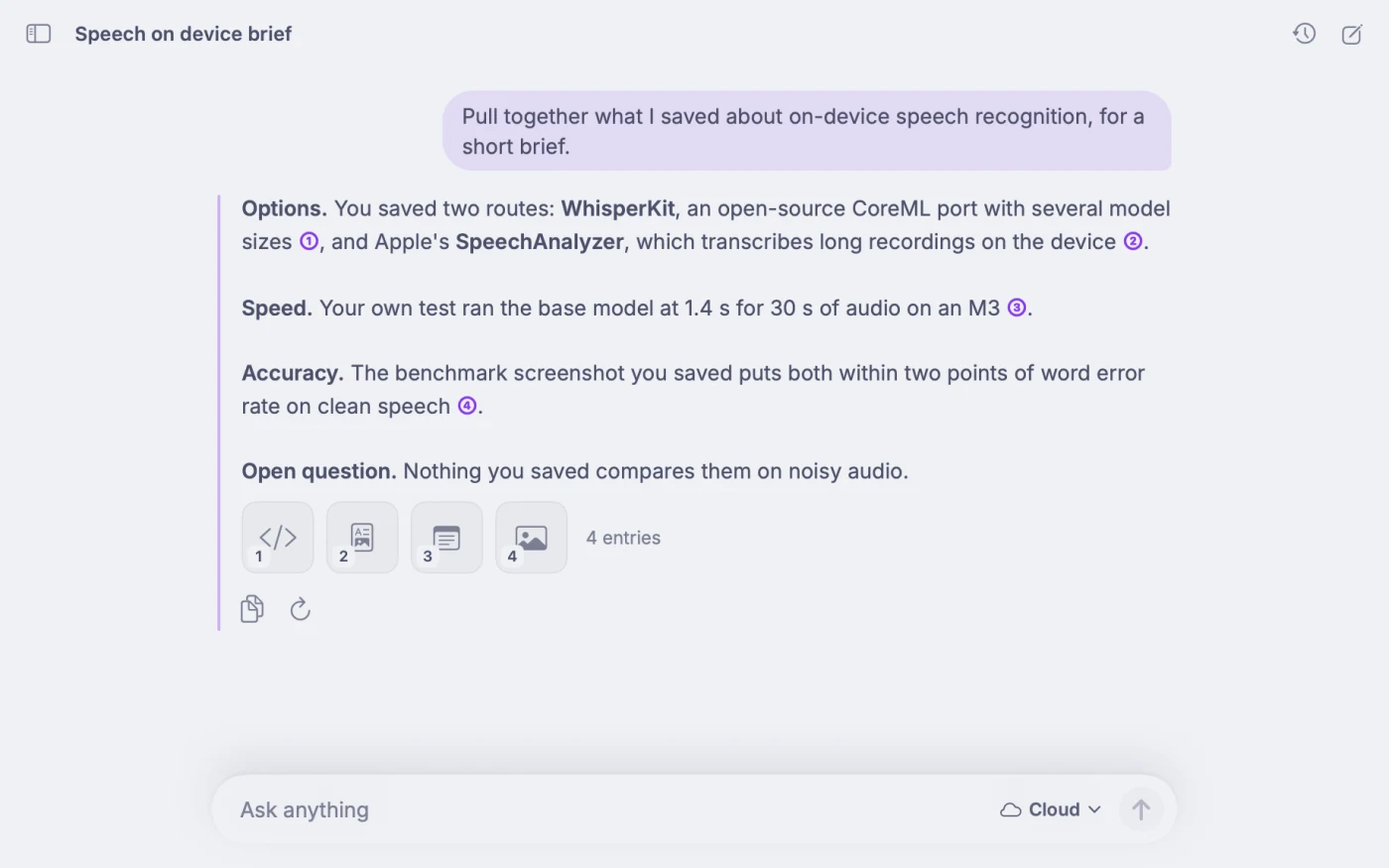
Turn weeks of research into a brief.
Repos, docs, articles, screenshots and your own notes pile up over weeks. Ask answers across all of them with the model you pick, and every point links back to the entry it came from. Keep a project's entries together in a collection, and keep work separate in a Work vault. On your Mac, Claude Desktop, Claude Code or ChatGPT can read the vaults you choose and draft the report from your sources.
5 of 8
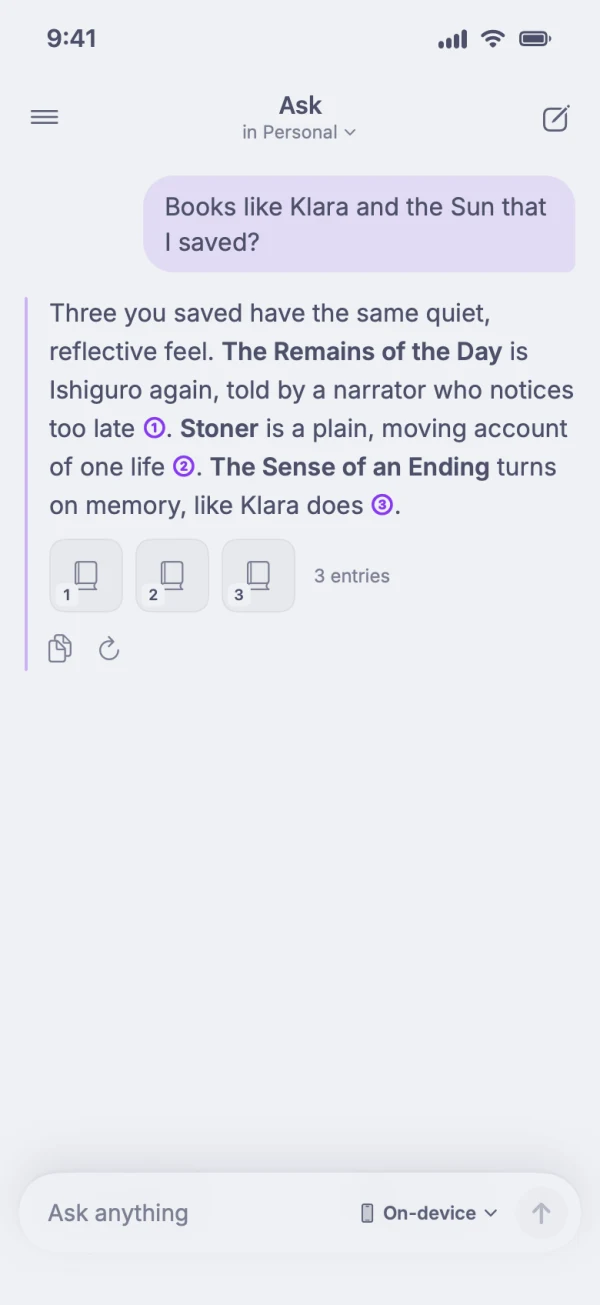
Loved that book? Find the next one.
Open a book, a restaurant or a café you saved and Related shows the similar ones you already have, with the reason. Or just ask: “places like Prufrock I saved in London” or “books like this one”. Ask answers from your library with sources, and if you add a web search service with your own key, it can look on the web for new ones too.
6 of 8
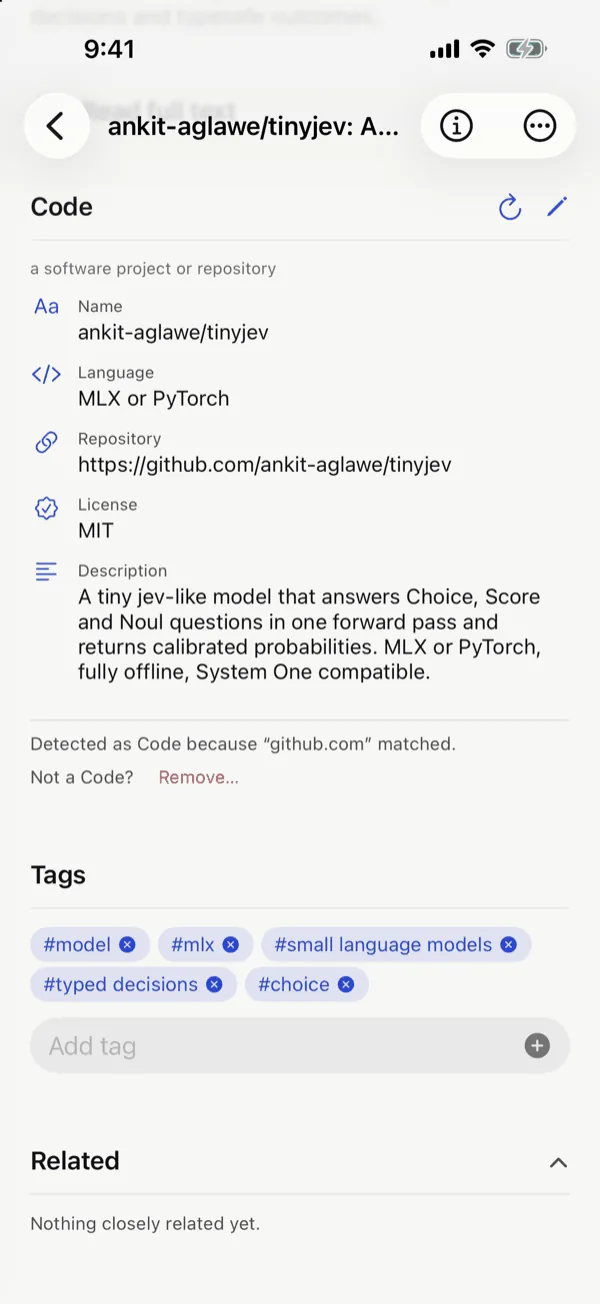
The project you meant to try is waiting for you.
Save a GitHub repo or a new AI model between meetings. When you finally have time, it's there with a short summary of what it is.
7 of 8
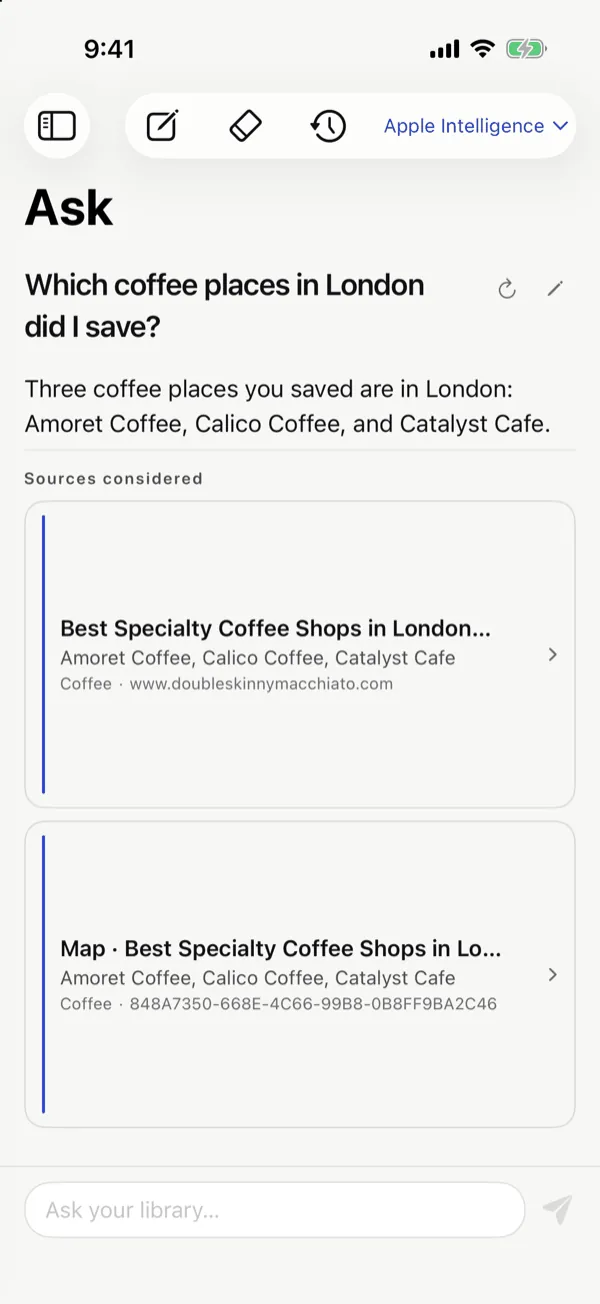
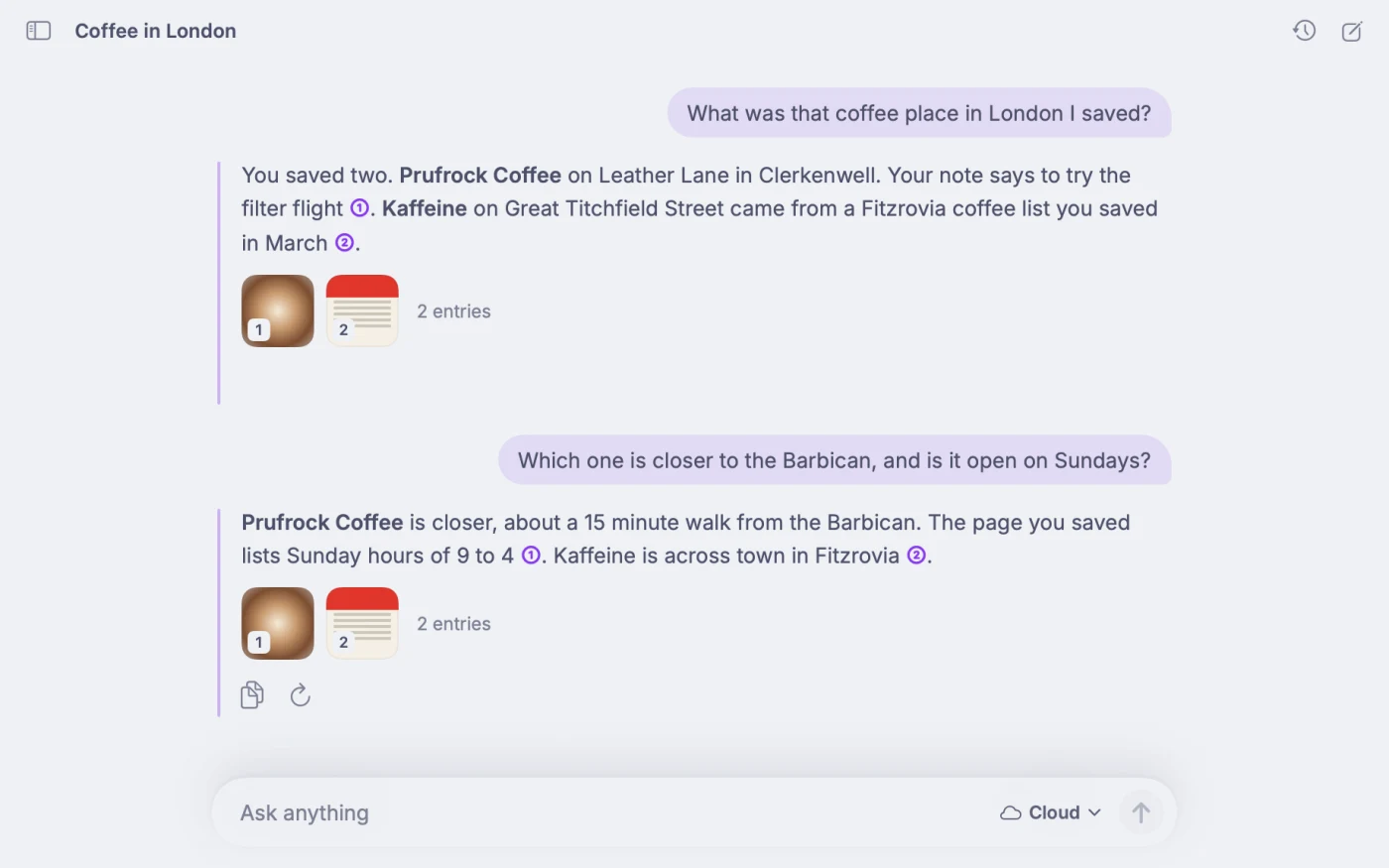
“What was that place I saved?” Just ask.
Ask the way you'd ask a friend. Kenna answers from what you saved and shows you exactly where the answer came from.
8 of 8
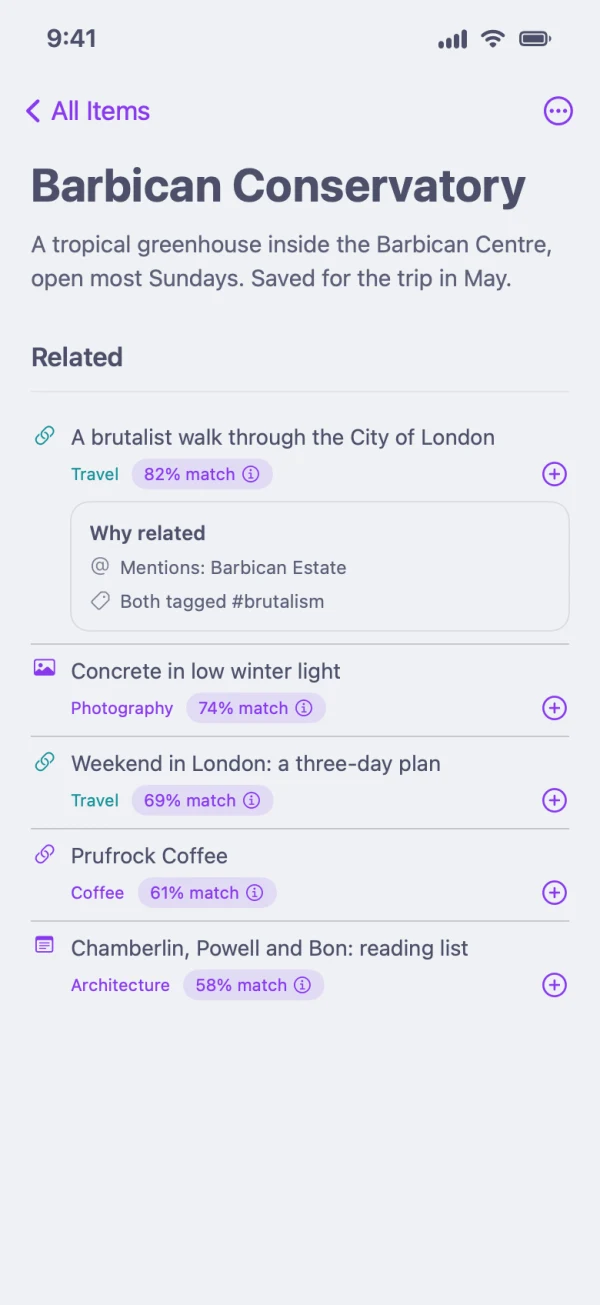
See the thread between the things you love.
A greenhouse you saved for a trip, a walk you found months ago and a photo of concrete in winter light turn out to share a place, a person or a topic. Open anything and Kenna shows what it connects to and why, and over time it names the themes you keep returning to.
Works with your AI
Your context. Every assistant. Every model.
Your assistant should know you without you handing your life to one company. Kenna keeps your context on your devices and lends it to the AI you pick.
- Apple Intelligence
- Dots
- Muse
- Grok
- Claude
- ChatGPT
- Pi
Through Claude and other MCP apps on your Mac, through your own OpenAI, Anthropic or OpenRouter key inside Kenna, or with local models. One context for all of them. More integrations are coming.
- Claude and other apps that support MCPOn your Mac, through Kenna's local MCP server.
- Local modelsLM Studio or Ollama, on your own computer.
- Your own API keysOpenAI (the models behind ChatGPT), Anthropic or OpenRouter.
- Siri and SpotlightFind what you saved by asking, or by searching your iPhone and Mac.
Sync your devices. Use it with any agent.
- Capture on your iPhone or your Mac. Keep Personal and Work in separate vaults, and choose which ones each device syncs through your own iCloud and each assistant can see.
- On your iPhone, Siri and Spotlight find what you saved, and Ask answers with any model you pick.
- On your Mac, Ask, MCP apps such as Claude Desktop, Claude Code and ChatGPT, and your own agents and scripts through the
kennacommand use the vaults you choose. The server is off until you turn it on, stays on your Mac and asks for a token.
Switch assistants. Keep your context.
Your context does not live inside one AI. It lives with you, so Claude, OpenAI's models, local models and Siri all start from the same picture of what matters to you, instead of each one learning it from scratch.
Ask answers with whichever model you pick. On your Mac, apps that support MCP read the vaults you choose. Siri and Spotlight find what you saved.
- Try a new assistant without starting over.
- Use different models for different jobs, all reading the same context.
- Choose which vaults each one can see.
- Export everything to a file whenever you want.
Private by design
Your context stays yours.
On-device understanding
Kenna makes sense of what you save on your iPhone and Mac, and works offline with the models on your devices.
No account, no Kenna server
There is nothing to sign up for and nowhere for us to keep your library.
Your iCloud
Optional sync through your own iCloud.
Export everything
Your whole library, saved to a file you keep.
Questions
FAQ
What does Kenna see?
Only what you save to it: the photos, screenshots, links and notes you choose. You decide which vaults Siri and each assistant can use.
Do I need a Mac?
No. Kenna runs on iPhone with iOS 26 or later, and on Mac with macOS 26 or later. You only need the Mac app to connect desktop assistants through MCP.
Which assistants and models can use my context?
On your Mac, Claude and other apps that support MCP can read the parts you allow. Inside Kenna, you can answer with Apple Intelligence on your device, local models through LM Studio or Ollama, or your own OpenAI, Anthropic or OpenRouter key. Siri and Spotlight can find what you saved.
Is there an Android version?
Not yet. Coming later.
Is it out yet?
Not yet. Kenna is in a private TestFlight beta, and the public launch is coming later. Join the beta to try it now.